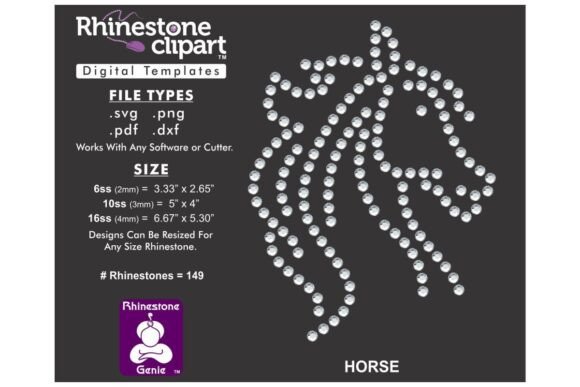
Rhinestone Template Design HORSE: Digital Art for Apparel
Transform your creative projects with a versatile digital asset that merges graphic precision with tactile sparkle. The Rhinestone Template Design HORSE is a downloadable file engineered for designers and crafters seeking to add dynamic, textured elements to apparel, merchandise, and custom gifts. This isn't a physical product but a powerful digital tool, delivered as a ZIP file containing DXF, SVG, PNG, and PDF formats, ensuring broad compatibility with leading software like Silhouette, Cricut, CorelDRAW, and Adobe Illustrator.
Understanding the Digital Design Asset
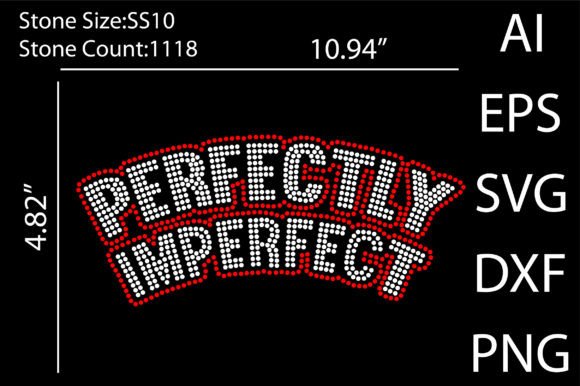
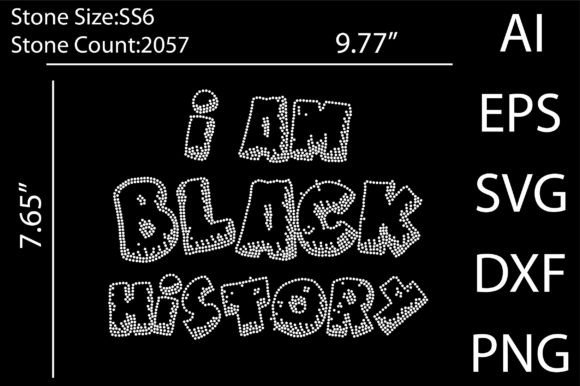
This resource functions as a master template for creating rhinestone designs. The core file is meticulously crafted to produce precise cut paths or hole placements for ss10 rhinestones, which have a standard 3.3mm diameter. Its true value lies in its scalability and adaptability. Designers can resize the entire design proportionally to accommodate different rhinestone sizes, offering flexibility for various applications—from subtle accents on a polo shirt to bold statements on a jacket back.
Practical Applications in Creative Projects
The utility of a high-quality template like this extends across numerous domains of visual communication and branding. It serves as a foundational creative asset for:
- Branding and Merchandise: Create distinctive logo treatments for apparel, hats, and bags that catch light and attention, strengthening brand identity through unique texture.
- Marketing Materials: Design eye-catching elements for event signage, promotional posters, or direct mail pieces that stand out from flat, printed graphics.
- Social Media and Digital Content: Use the high-resolution PNG file to create engaging mockups or thematic graphics for campaigns, adding a layer of modern aesthetics to visual feeds.
- Custom Gifts and Products: From personalized pillows to decorative home items, the template enables the creation of premium, custom merchandise with a professional presentation.
Integrating into Your Design Workflow
Effective use begins with understanding the file integration process. After unzipping the folder, import the appropriate file type into your software. For most vector-based CNC and cutting software, the SVG or DXF file is ideal. The design is pre-sized for ss10 stones, but a key step is verifying the hole size with your specific cutter, as machine tolerances can vary. Always perform a test cut on scrap material.
It’s important to note that letter sets within such templates are not typable fonts. They are individual graphic elements that require a pick-and-place approach to compose words or phrases. This method offers complete creative control over spacing and layout, aligning with principles of visual hierarchy and composition.
Tips for Evaluating Design Elements
When incorporating any graphic design asset into a project, consider these factors to ensure quality and coherence:
- Consistency: Does the style of the template (e.g., the depiction of the horse) align with your existing brand identity or project theme?
- Scalability: Test the design at both your intended final size and a smaller scale to ensure detail integrity is maintained, a crucial aspect for print design and large-format applications.
- Compatibility: Confirm the file formats work seamlessly with your current design software and cutting equipment to maintain an efficient design workflow.
Thoughtful design choices elevate communication. A well-executed rhinestone application does more than decorate; it creates a multisensory experience that enhances perceived value and engagement. By selecting and utilizing premium creative assets like the Rhinestone Template Design HORSE, designers and creators can efficiently produce work that is not only visually compelling but also professionally polished, bridging the gap between digital artistry and tangible impact.